
For clients with an Accounts Receivable balance owing, but no new time or costs to be billed, they should receive an A/R Statement, outlining any outstanding invoices, partial payments, and the total balance owing. Receivables Statements can be printed individually or in batch.
To print an Accounts Receivable Statement for a single matter:
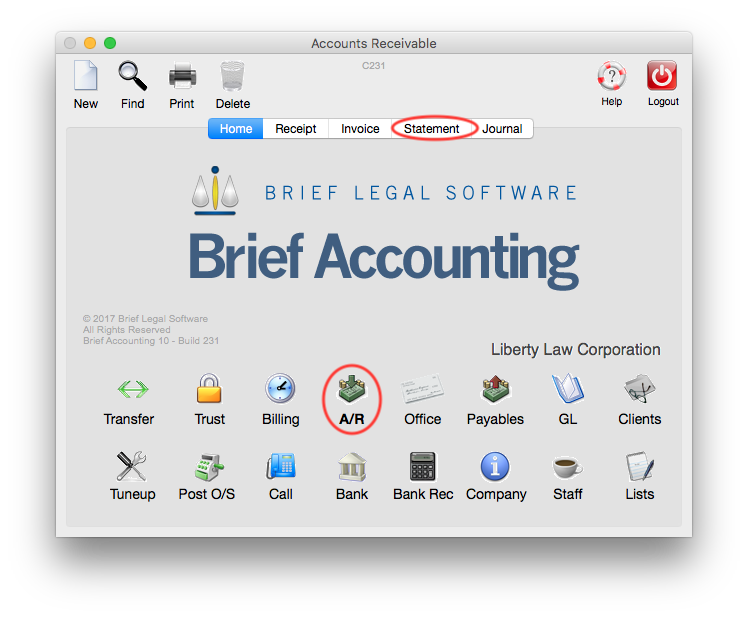
From the Brief Accounting Home screen, select the A/R Module icon. Click the Statement tab:
Enter the file number into the File No field and Click OK:

A list of any outdenting (unpaid) invoices is displayed. In this case there is a single outstanding invoice. Click the Print icon:

Leave Statement of Account selected. The options to include interest and remittance advice can also be selected. Click Print to print the Statement:

To Print a batch of Accounts Receivables CLICK HERE.
NOTE: The default view on the A/R Statement is Outstanding (meaning unpaid invoices and any partial payments towards the invoices). Once a receipt has paid an invoice in full it moves from the Outstanding Screen to the Paid screen. Paid items can be viewed by selecting the small double-arrow under the Login icon, and selecting the "Paid" option:

0 Comments