
How to Reverse a Trust Check or Receipt
Once an item has been posted, it cannot be altered. In order to make a change to a posted item, it must be reversed and re-entered. A reversal does not delete a posting but rather creates a counter transaction. The counter transaction ensures that an audit trail is maintained.
A trust receipt cannot be reversed if the end result is that it will overdraw the trust account. If this is the case, first enter the new trust receipt, then reverse the incorrect trust receipt. Alternately, first reverse any trust checks, then reverse the receipts in order to keep the account from being overdrawn.
To reverse a trust check or receipt:
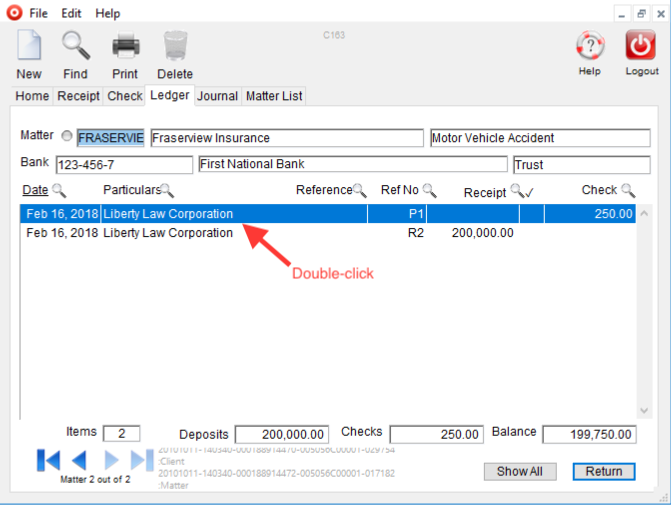
Select the Trust module > Ledger tab
Enter the File Number and click OK
Double-click the item to be reversed to view the detail:
Select Reverse Transaction from the Special menu along the top of the screen:

Date the reversal the same date as the original posting date, enter a reason and click OK.
0 Comments