
IMPORTANT NOTE: If installing on OS X 10.14 (Mojave) see notes at bottom of article.
Please click below to download the TeamViewer Remote Support Application:
The download will be saved in the "Downloads" folder, or wherever the downloads are saved to. Once downloaded, double-click on the TeamViewer.dmg icon to install TeamViewer:

Double-click to install:
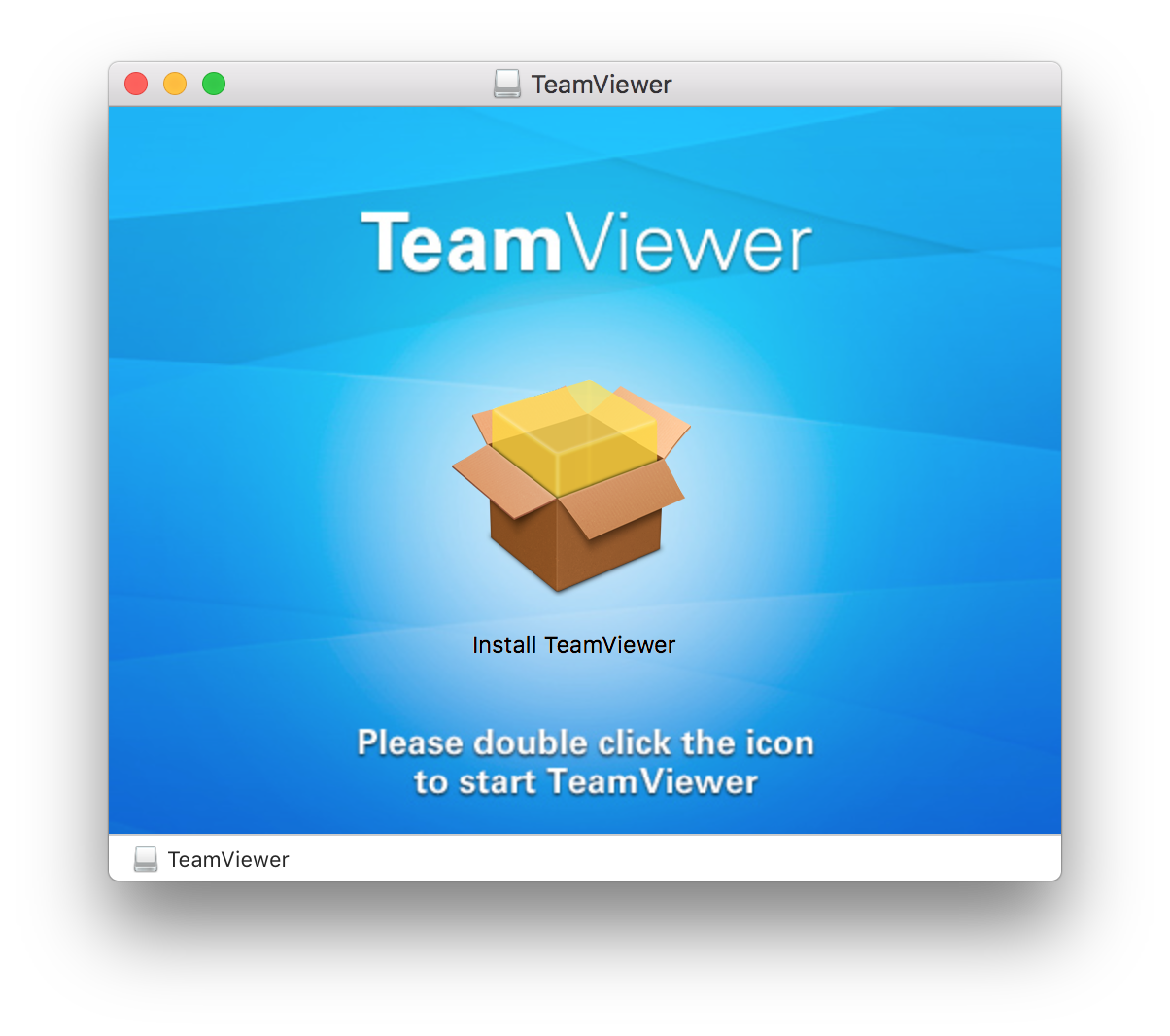
Follow the install prompts. Your OS X password will be required.
Once installed you will see the TeamViewer application in your Applications folder:

Double-click on the application to open.
Once open, you will see a window similar to below.
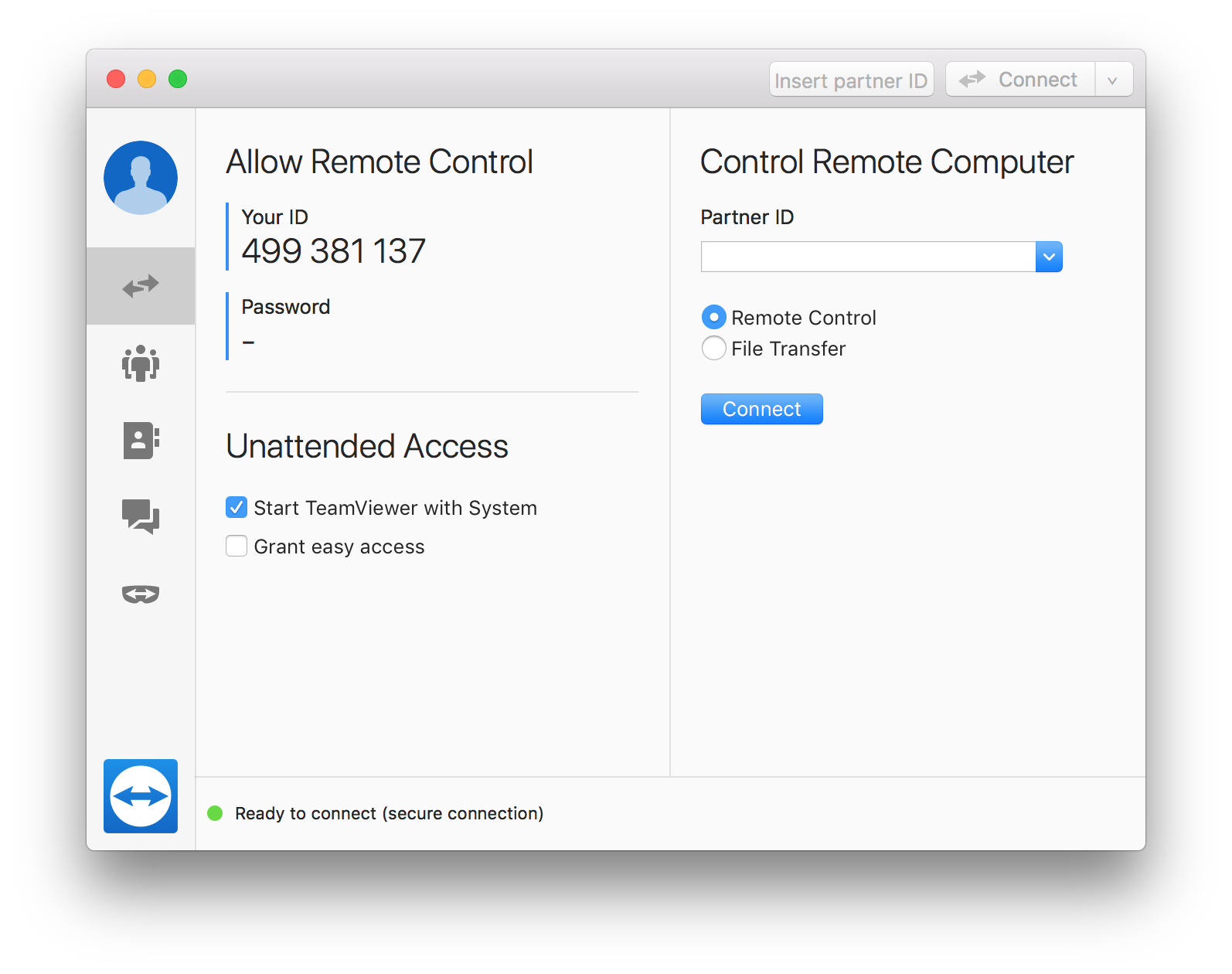
Please let Brief Legal know your ID so that they can connect to your computer.
IMPORTANT NOTE: If installing on OS X 10.14 (Mojave):
Click Request Access.
Click the lock icon in the bottom left corner and enter your password:
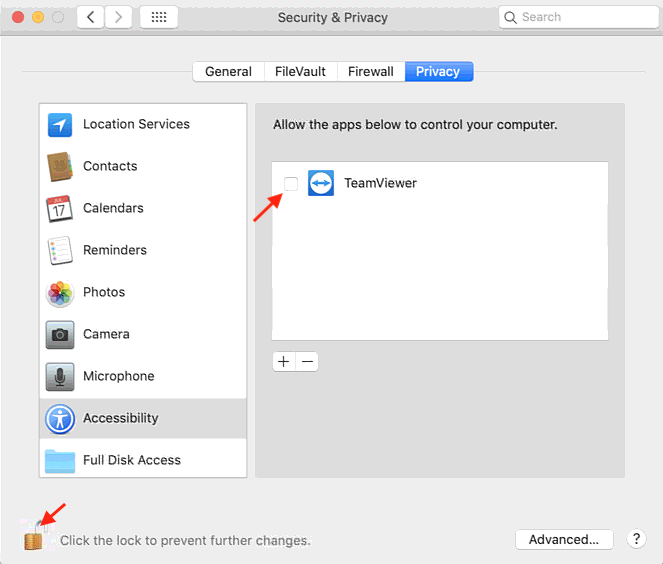
Select the Privacy tab > Accessibility option.
Add a check next to all TeamViewer apps in the right panel of the Security & Privacy dialog.
Close the Security & Privacy dialog.
To exit the connection, click the Quit button.
0 Comments