
When an error has been corrected by the bank, it should be cleared from the Bank Errors list.
To clear a bank error:
Select the Bank Rec icon > Errors tab:
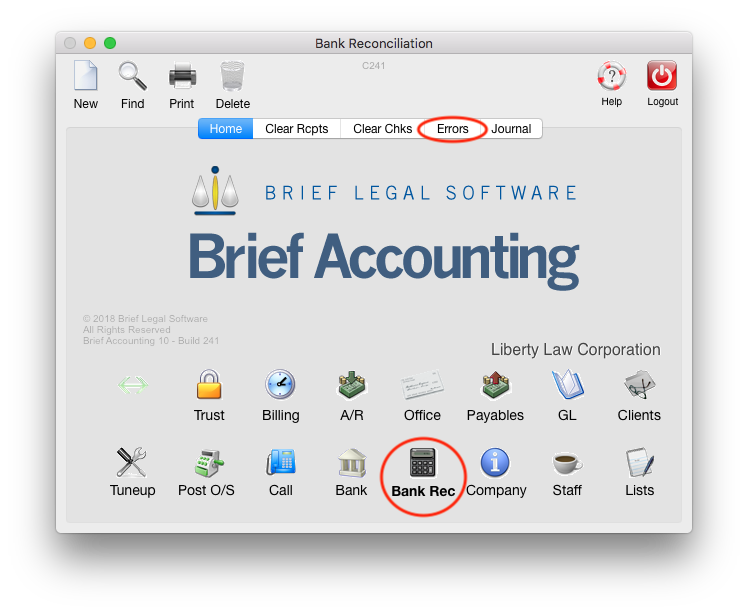
Enter the Account and the month that is to be reconciled. Click OK:

All bank errors are listed:
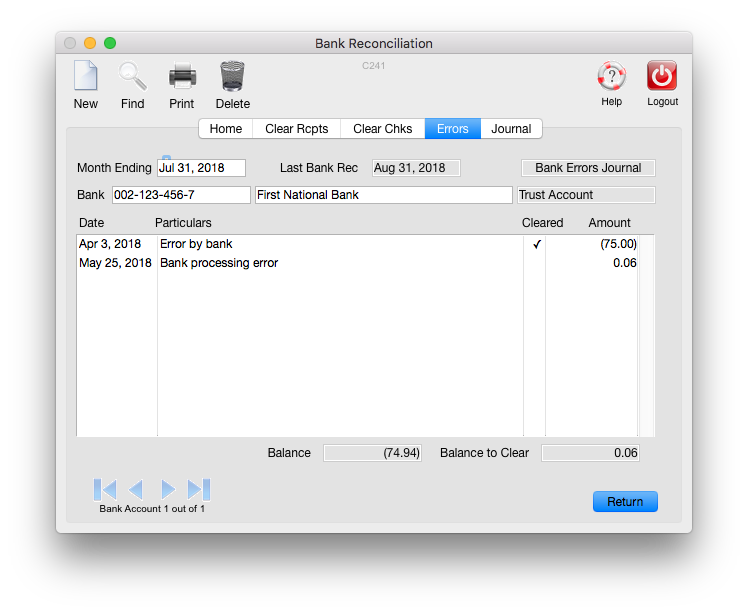
Errors with a checkmark beside them in the Cleared column have been corrected by the bank.
Those without a checkmark have yet to be corrected.
Double-click on the error to view the detail.
Click in the Cleared Bank checkbox on the error screen:

A Date Cleared dialog box is displayed:

Enter the date within the month of the current bank reconciliation and click OK.
Then click Accept.
Bank Errors will be listed on printed bank reconciliations up to the month in which they have been cleared.
0 Comments