
In the Office Module of Brief Accounting, there is an automated method of calculating and writing a cheque to pay GST/HST.
The GST/HST payable is calculated as the date defined when using this function. This is based on the balances in the GST/HST Remittable and Refundable General Ledger Accounts as at that date.
The GL Distribution and amount payable is automatically populated into the Office Cheque based on the General Ledger balances.
To use the GST/HST Cheque function:
From the Brief Accounting Home screen, select the Office Module icon > Cheque tab.
If more than one general bank account, enter the bank account and click OK.
If there is only a single general bank account, a new blank cheque will open.
With a blank cheque open on the screen, click the "Special" menu along the top menu bar of the screen. Select "Cut GST Cheque":

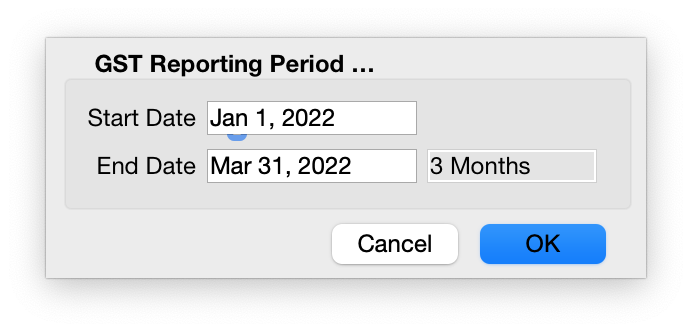
Enter the date range when prompted and click OK:
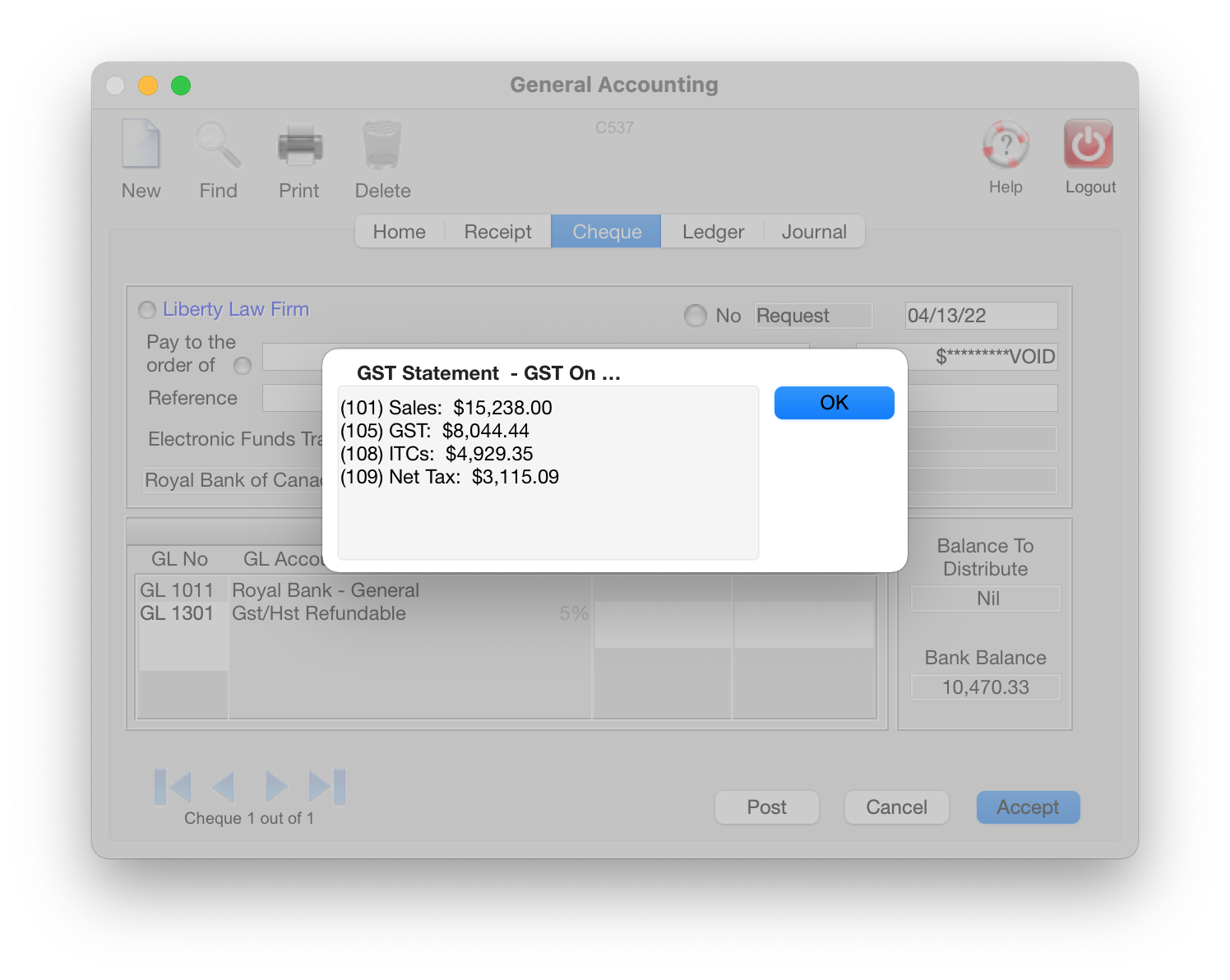
A summary will be displayed. Click OK:
The GL Distribution and cheque amount are populated:
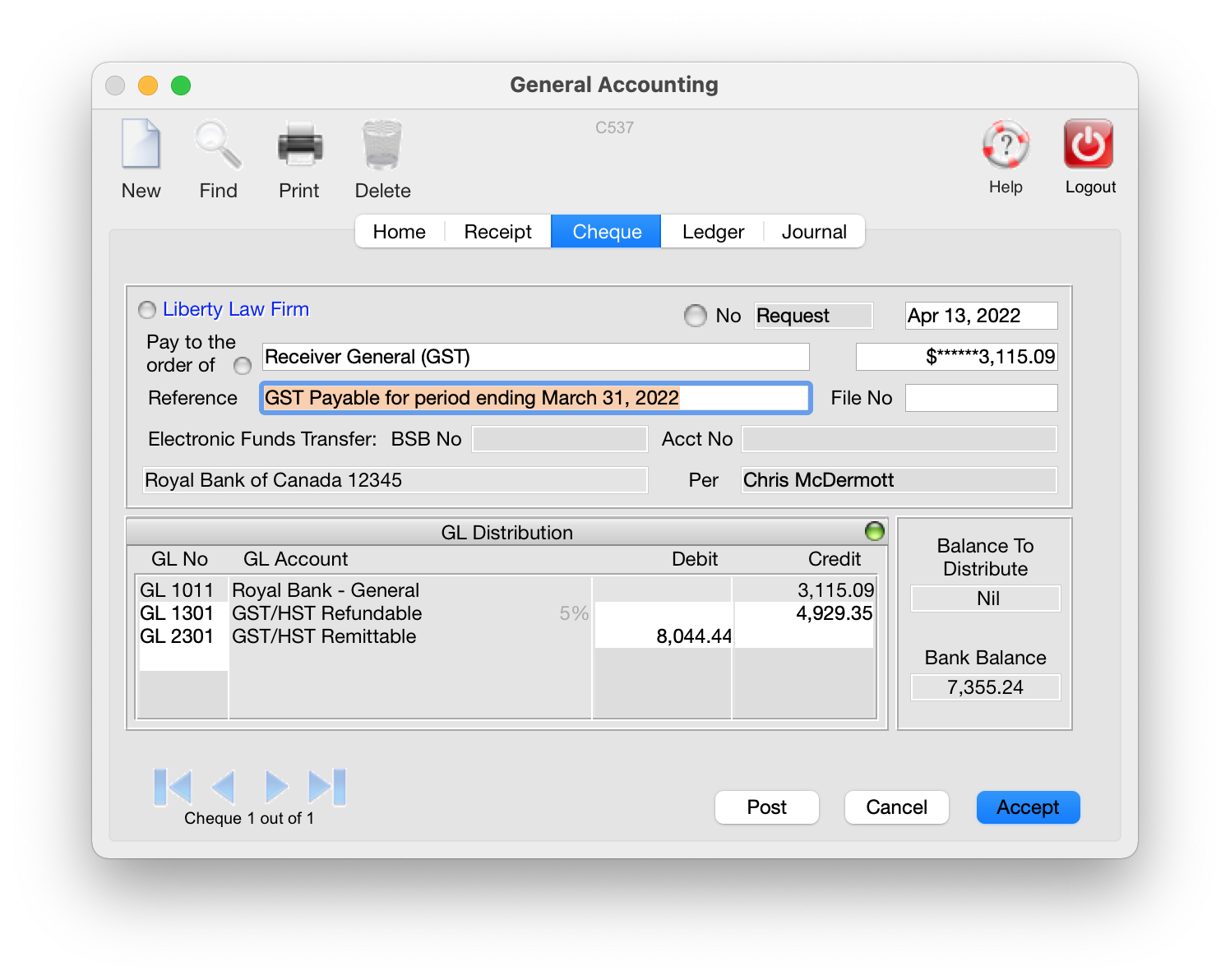
Click Post to post the cheque.
0 Comments