
Prior to posting invoices for a given matter, any individual slips may be edited.
To edit slips:
Select the Billing module icon > Time (or Disburse) tab:

In the Find Files/Matter(s) dialog box, type the file number into the File No field and click OK:

A list of unbilled Time (or Disbursement) slips is displayed:

Double-click on a slip listed to view the detail:
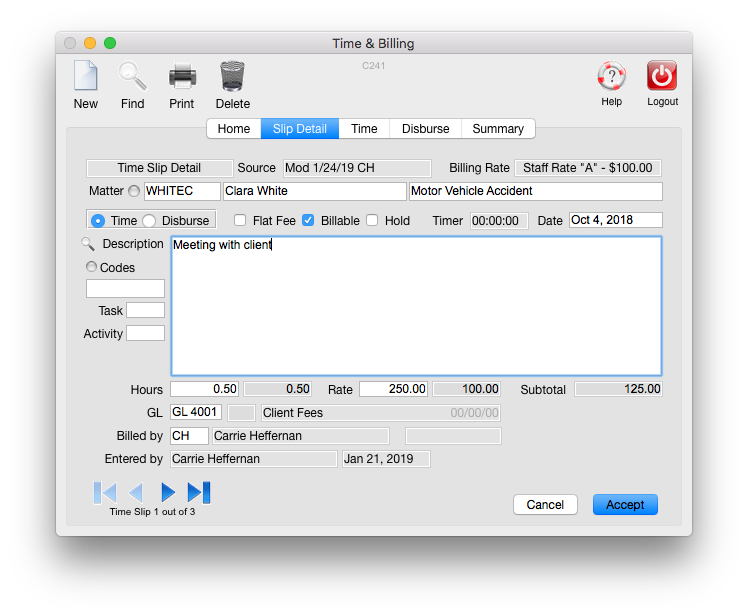
Make any edits to the slip and click Accept:

The list of Billable slips will again be displayed.
Slips may also be edited (modified) in batch. CLICK HERE for more information.
0 Comments