
Brief Accounting allows multiple matters to be assigned to single client. The default setting assigns the main client address to all matters associated with it. This can be changed to allow invoices belonging to a single client to use unique matter-based addresses (rather then the main client address).
Setting Matter-Based Addresses
Select the Client module icon > Client tab:

Enter the Client Name and click OK to open the Client Card.
Select "Billing" from the side drop-down menu and click the "Matter Based Addresses" check-box to select:

Click Accept to save the setting.
Changing Address on Individual Matters
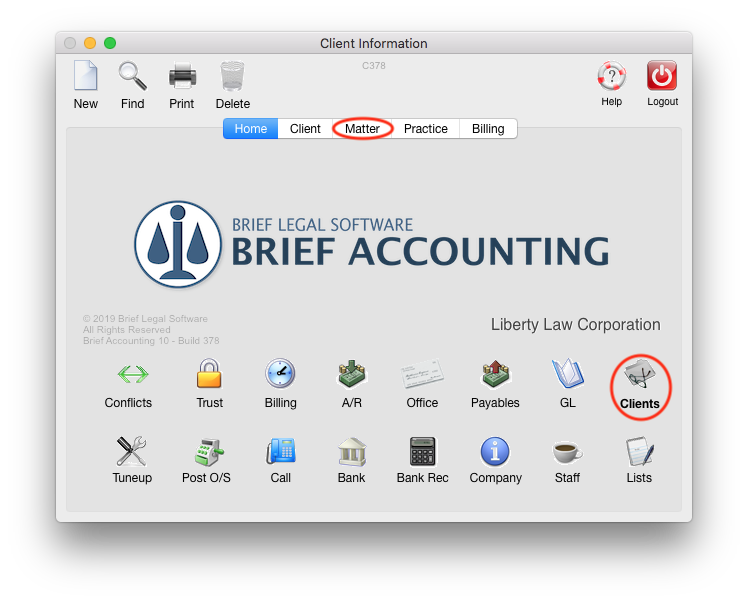
Select the Client module icon > Matter tab:
Enter the File Number and click OK to view the Matter Card.
Note that the address shown is the Client Address as entered when the Client was created in Brief Accounting. Click in the Address field to edit:

A new Address window is displayed. Enter the matter-specific address information and click Save:

Also note on the Matter Card that there is a Contact field. This can be entered if there is a unique contact for the Matter. The contact entered appears under the client name in invoices, so a "c/o" or "Attn" can be entered before the name in the Contact field:

The invoice header would appear as below with the above information entered:

0 Comments